

Finance integrations
Building a Finance integration? Check out this guide to make the development process smoother and create a more user-friendly integration. Following these steps ensures we deliver the best possible experience for our shared clients.
A Finance integration connects Factorial to an accounting or ERP system. Factorial is where the client captures the spend — expenses, mileage, per diems, vendor invoices — and your system is where it is booked. Most of the traffic is therefore outbound: the client reviews and approves in Factorial, then syncs to your software.
The sections below describe each case: what Factorial hands you, and which endpoints to call to build the record your system needs. Once the initial setup is complete, each resource should be synced regularly — daily is typical — and where a resource is not driven by the sync framework you poll it with GET and the ?updated_from={last_sync_timestamp} query parameter, so you only fetch records created or updated since your last successful run. Update your stored timestamp after each successful sync.
Introduction
We want to provide the best experience for users connecting their ERP with Factorial's financial features. To achieve that, you need to understand the integration details: what data is synced, how it is synced, and when. The goal is a reliable and consistent data flow between both systems.
That is why we ask external partners to build financial integrations following these guidelines and using the endpoints exposed on our public API. This streamlines the synchronisation of accounting and financial data between Factorial and the ERP software, ensuring accurate and timely data exchange.
Key concepts
- Source of truth. The ERP is generally the primary source for foundational accounting data — chart of accounts, contacts. Factorial is the source for processed data, particularly employee expenses and potentially bank transactions.
external_id. When pushing data from the ERP into Factorial viaPOST, always include the record's unique identifier from the ERP system inexternal_id. This lets both systems map records accurately. Records in Factorial without anexternal_idare assumed to have originated in Factorial.updated_from. MostGETendpoints accept this query parameter, returning only records created or updated since the given ISO 8601 timestamp. Use it for incremental sync, and store the timestamp of your last successful run.
Factorial resources
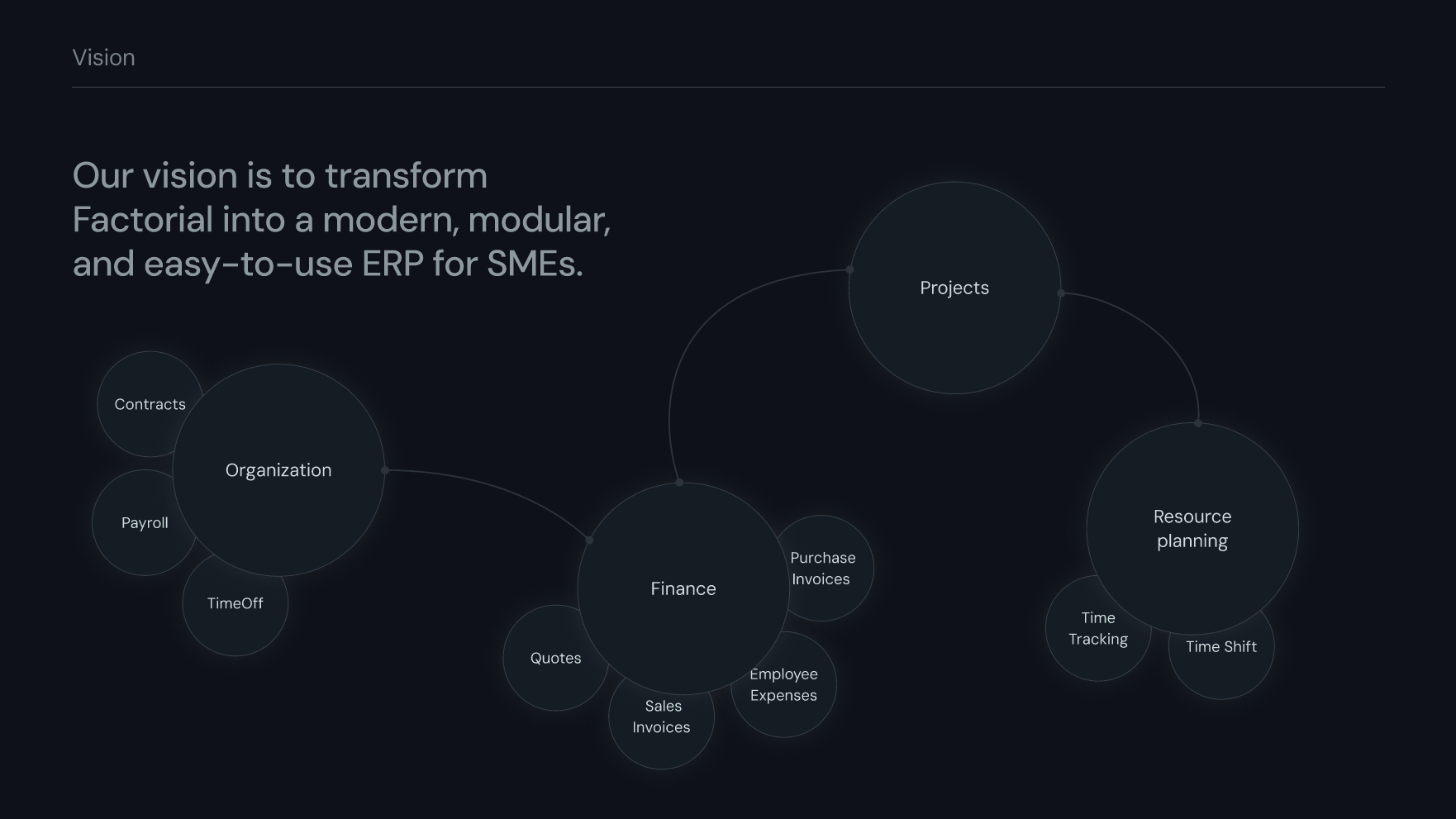
Before you start moving data, it helps to know which resources exist in Factorial's Finance domain and how they connect. Sorted by how heavily they are used:
- Employee expenses — expenses made by employees, mostly submitted from the mobile app by uploading a receipt or an invoice. They become financial documents.
- Invoices — another type of financial document. Invoices can be uploaded directly into the platform through a form or by email, and are used across several Factorial products: Procurement, Software, Expenses and manual uploads. Sale invoices can also be generated.
- Contacts — clients or providers. They can carry bank account information for payments. Contacts are linked to many resources, but for ERP purposes the main ones are financial documents and ledger accounts.
- Ledger accounts — the accounts used to do accounting through journal entries, the mainframe of any ERP. Clients can configure Factorial to generate journal entries automatically when certain events happen, for example when a new bank transaction enters the system, when a draft journal entry is published, or when an expense or invoice is reconciled against a bank transaction.
- Bank accounts and bank transactions — extracted directly from the client's bank institution through GoCardless. This data is mainly used to reconcile, and can automatically mark invoices or expenses as paid. SEPA files can also be generated so clients can pay invoices or expenses by transfer.
Initial setup
Before ongoing synchronisation can work, perform an initial load of foundational data from the ERP into Factorial. This lets users correctly configure accounting features inside Factorial, such as mapping expense categories to ledger accounts.
Push, in this order:
- Ledger accounts — once uploaded, users see them under Finance → Accounting → Chart of accounts.
- Journal entries, including balanced lines.
- Bank accounts.
- Contacts (clients and vendors).
- Tax types, then tax rates.
- Ledger account resources — to link a resource with a ledger account.
- Accounting settings — to set a ledger account as the default for a resource.
Accounting entries
Direction: outbound. Factorial generates accounting entries for approved expenses, payroll summaries and similar, which need recording in the ERP.
Fetch the list and check external_id: if an entry has none, create it in the ERP. If it has one, the entry usually originated in the ERP already.
Accounting entries are not driven by the integrations framework. There is no syncable type for them, so you must poll with
updated_fromrather than consume syncable state items.
Related Endpoints
- Reads all Journal entries — the header of the accounting entry
- Reads all Journal lines — the debit and credit lines
- Reads all Accounts — the chart of accounts the lines refer to
Bank transactions
Direction: outbound. Optional — only if the ERP needs categorised or reconciled bank transaction data from Factorial's bank feeds.
Bank transactions are not driven by the integrations framework. There is no syncable type for them, so you must poll with
updated_fromrather than consume syncable state items.
Related Endpoints
- Reads all Transactions — the transactions pulled from the client's bank institution
- Reads all Bank accounts — the accounts the transactions belong to
Expenses
Direction: outbound. Regular expenses, mileage and per diems that need to be sent to the ERP. The employee submits an expense in Factorial and it goes through approval. Once approved, the client syncs it so it can be booked and reimbursed in the accounting system.
Expense sync implements Factorial's integrations framework, which delivers the best user and developer experience for integrations — you consume syncable state items instead of polling.
What you receive: A syncable state item per expense, with:
sync_type:expenses/expensesyncable_resource:expenses/expensablesyncable_id: the expensableid
Unlike most other cases, the payload is rich. It carries resource_type (expenses can be a plain expense, a mileage claim or a per diem), status, amount and currency, reimbursable_amount and reimbursable_currency, exchange_rate, effective_on and paid_at, the merchant (merchant_name, merchant_tin), the accounting coordinates (category_id, category_name, subcategory_id, subcategory_name, ledger_account_id, taxes), the analytics coordinates (cost_center_ids, project_id, subproject_ids), the payment details (payment, payment_method_type, payment_method_name, reimbursement_method), mileage and mileage_units, document_number and the attached files.
Related Endpoints
- Reads all Expensables
syncable_resource— the polymorphic wrapper over the three kinds of spend, with the state and amounts - Reads all Expenses — the plain expense records, with merchant and receipt data
- Reads all Mileages — the mileage claims, with distance and rate
- Reads all Per diems — the per diem claims
- Reads all Categories — the client's expense category catalogue, for mapping
- Reads all Ledger account resources — the account an expense is booked against
- Reads all Tax rates — the rates behind
taxes - Reads all Cost centers — the analytical dimension behind
cost_center_ids - Reads all Employees — to resolve the employee who submitted the expense
Vendors
Direction: inbound. The curated list of vendors lives in the ERP. Factorial synchronises it so that expenses and invoices captured in Factorial can be coded against the right contact, and so the client does not have to maintain the same supplier list twice.
What you send: A syncable state item per vendor, with:
sync_type:finance/vendorsyncable_resource:finance/contactsyncable_id: the contactid
The payload carries name and legal_name, the fiscal identity (tax_id, tax_id_type, country_code), the contact details (email, phone_number, website), the full address (address_line_1, address_line_2, city, postal_code, state), the banking details (iban, bank_code, preferred_payment_method) and legal_entity_ids.
Always set external_id to the vendor's identifier in your system, so updates map back to the same contact instead of creating duplicates.
Related Endpoints
- Creates a Contact
syncable_resource— the vendor record itself - Updates a Contact — to push changes to a vendor you already synced
- Reads all Contacts — to reconcile what is already in Factorial before pushing
- Reads all Legal entities — the entities the vendor trades with, behind
legal_entity_ids - Reads all Accounting settings — the client's accounting configuration, to know how contacts are expected to be coded
Other foundational data
Direction: inbound. Monitor creates, updates and deactivations in the rest of the foundational ERP data you synced during initial setup — ledger accounts, tax types and rates, and bank accounts if the ERP is master. Vendors are covered by the Vendors section above.
- New records — use the corresponding
POSTendpoint and include the ERP's unique identifier inexternal_id. Save the mapping between the Factorialidand yourexternal_id. - Updated records — identify the record in Factorial using your ID mapping and use the appropriate
PUTendpoint. - Deactivated or deleted records — where available, prefer a
PUTthat sets anis_activeflag tofalseover aDELETE. Check the specific endpoint documentation for what each resource supports.
Foundational data is pushed by you, not driven by the integrations framework. Factorial does not emit syncable state items for these resources.
Best practices
external_idis essential. Treat it as mandatory on everyPOSToriginating from the ERP. It is the cornerstone of reliable mapping.- Idempotency. Design your
POSTrequests withexternal_idin mind so retries do not create duplicates. - Data mapping. Maintain a clear specification mapping ERP fields to Factorial API fields.
- API versioning. Monitor the API documentation for updates, changes and new versions, and plan accordingly.
Updated about 1 month ago