

OAuth Scopes
Scopes specify the exact level of access needed, ensuring OAuth tokens are restricted to only the required resources. They do not grant any permissions beyond what the user already has.
Each scope represents a set of resources within our API. The list of resources accessible by the generated OAuth token is strictly limited to the scopes configured in the OAuth application.
If you are a Factorial PartnerIf you have an OAuth application in production and wish to modify your scopes list, please fill up this form.
How do scopes work
When creating an OAuth application, select the scopes your integration needs in Settings → Advanced configuration → OAuth applications.
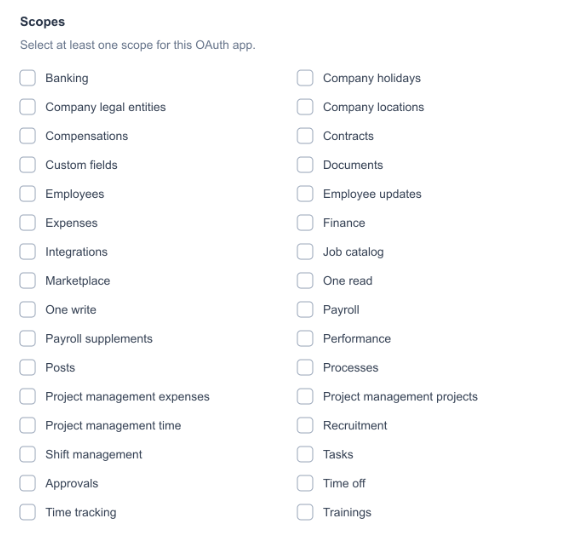
The scope selector in OAuth applications.
These scopes will be sent through the URL when requesting the authorization code:
For production, use:
https://id.factorialhr.com/oauth/authorize?client_id=<YOUR_CLIENT_ID>&redirect_uri=<YOUR_REDIRECT_URI>&response_type=code&scope=project_management%20time_trackingFor demo, use:
https://id.eu2.demo.factorial.dev/oauth/authorize?client_id=<YOUR_CLIENT_ID>&redirect_uri=<YOUR_REDIRECT_URI>&response_type=code&scope=project_management%20time_trackingThen the client will review the scopes sent though the URL and authorize/deny the app access to these.
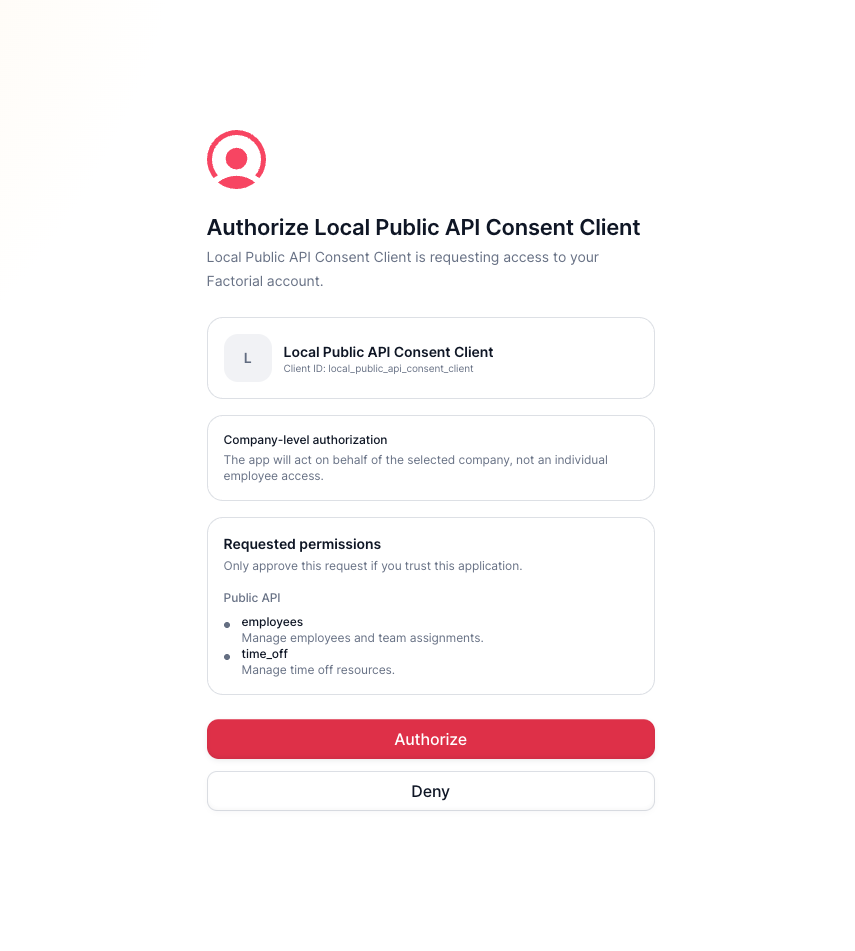
The Factorial ID consent screen.
Once the user authorizes the app to access the requested scopes, you can continue to request the access token. The access token generated will be restricted to the authorized scopes.
NOTE: If you change the scopes in an already existing OAuth app, the already-generated tokens will become invalid so the client will need to re-authorize the app to be able to re-generate the OAuth tokens with the updated scopes list.
Scopes list
Currently, our scopes allow both read and write actions within the resources.
Updated 1 day ago